Appearance
External filters
External filters in Sumboard provide a versatile option for incorporating data from external sources into your dashboard. Unlike default and custom filters, which rely on a predefined UI, external filters enable you to integrate data from external sources such as APIs or databases directly into your dashboard filtering options with a custom UI.
INFO
Refer to Embed dashboards with your application filters section for detailed implementation instructions.
Adding an external filter
To add an external filter navigate to Filters section. Click on the Add a filter button.
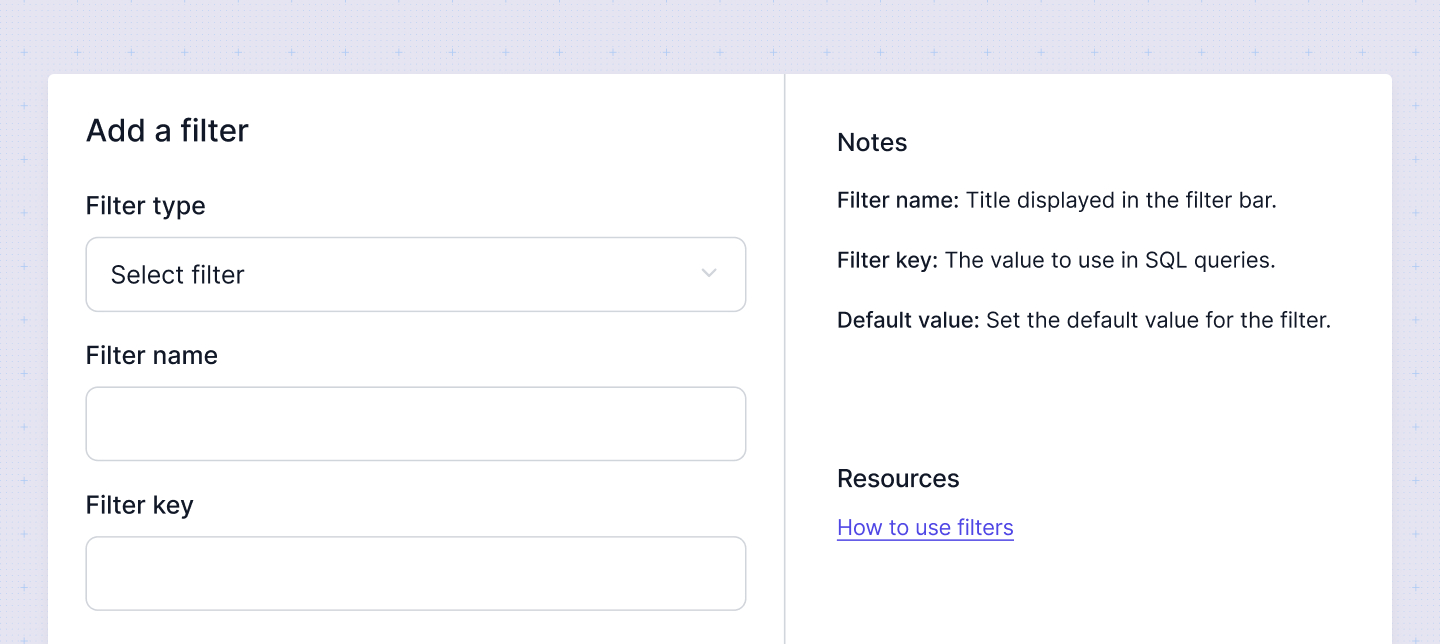
In the modal that opens you have to specify:
- Filter name: Enter a descriptive name. It will be the filter label and it can be overriden on the dashboard level.
- Filter type: Choose the appropriate filter type.
- Filter key: Specify the filter key, which is used in the query to apply the filter to specific charts. This ensures that the aggregation filter is applied correctly to the data.
- Default value: Define the default values. These values determine the initial state of the filter when the dashboard is loaded. You can override the default value on the dashboard level if needed.